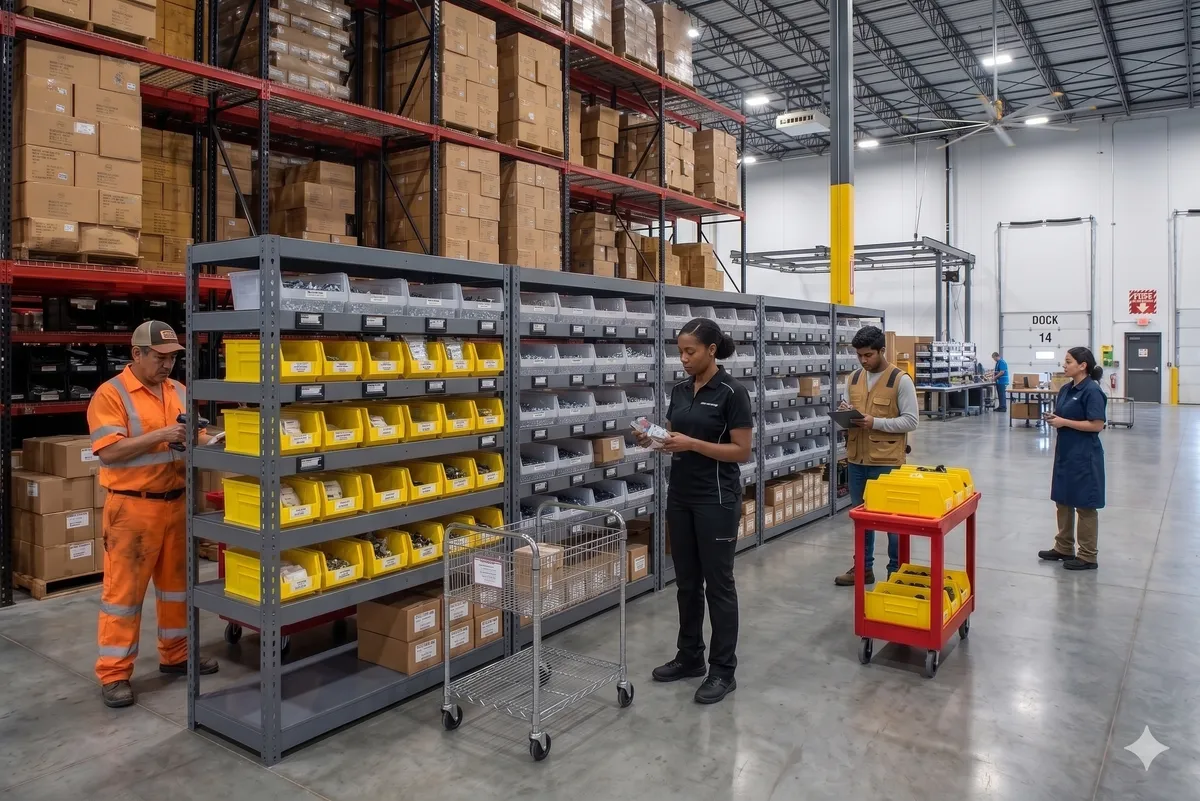
What Is Put-to-Light? How Put-to-Light Systems Work and What They Cost
Put-to-light is pick-to-light in reverse. After a batch pick, the operator scans each item at a put station, and a light on the right order location (a cubby, tote or shelf of a put wall) shows where it goes and how many. A button press on the display confirms the put, and when an order is complete the system says so, ready for packing.
This page explains how a put-to-light system works, the terms you will meet (put wall, sort-to-light, put-to-store), where it pays off, what drives the cost and how to start with one station. It is written by Voodoo Robotics, which makes wireless put-to-light displays; where our own products come up, we say so.
On This Page
What Is Put-to-Light?
Put-to-light (PTL) is a light-directed sortation method: after items are picked in a batch, a light and display at each order location tell the operator which location an item belongs in and how many to put there. The operator places the items and presses the display's button to confirm; the system records the put and moves on to the next item.
You will also see it called put-by-light, sort-to-light and light-directed sortation; in retail distribution, where the destinations are stores rather than customer orders, it is put-to-store. The abbreviation PTL is shared with pick-to-light, the retrieval workflow, because the two use the same displays.
The difference is the direction of work. Pick-to-light lights the storage locations items come from. Put-to-light lights the locations items go to: the cubby for order 1047, the tote for store 12, the carton for route B. Most often those locations are the cubbies of a put wall, but they can just as well be tote positions on a cart, lanes at the end of a conveyor or shelves at a returns bench.
Why it exists: batch picking saves walking because one trip collects items for many orders, but it leaves a tote of mixed items that has to be separated again. That separation is where orders get mixed up, the same kind of error as a mispick, made at the end of the process instead of the start. Put-to-light takes the search out of the sort (the right slot lights up) and turns every put into a confirmed transaction (the button press).
How a Put-to-Light System Works
Every put-to-light system, wired or wireless, on a wall or on a cart, runs the same five steps: a batch comes in, each item is scanned, a light shows where it goes, the put is confirmed, and complete orders move on to packing.
- 1
The batch arrives
Items for many orders are picked together, by a picker with a cart, from a pick-to-light zone, or by robots, and brought to the put station in totes or on a cart.
- 2
The operator scans an item
A handheld, ring or fixed scanner reads the item's barcode. The software asks the WMS which open order (or store, or route) still needs that item.
- 3
The put location lights up
The display on that order's cubby or tote lights, shows the quantity to put, and often the order number and a color for the operator.
- 4
Put and confirm
The operator places the items and presses the button. If an item has no open order, because it was over-picked or the order was cancelled, the system says so instead of lighting a location, so it goes to an exceptions tote rather than into the wrong order.
- 5
The order goes to packing
When the last item for an order is in, the display signals that the order is complete. The cubby is packed out and freed for the next order, and the WMS already knows the order is ready.
One-sided and pass-through put walls
On a one-sided wall the same person puts and packs. On a pass-through (two-sided) wall, operators put from the front and packers pull complete orders from the back, so both jobs keep moving; the back needs its own order-complete indicator so the packer knows which cubbies are ready. The physical side of put walls is covered in what is a put wall in a warehouse.
Several operators at one wall
Each operator gets a light color, so two or three people can put to the same wall without taking each other's lights. Displays with a text screen can add the operator's name or the order number for the same purpose.
What the light adds to the scan
The scan identifies the item. Without a light, the operator then reads a slot number off a screen and looks for it among dozens or hundreds of cubbies, and that search is where mis-sorts come from. The light removes the search, and the button proves the put happened at that slot. Scanners and lights divide the work the same way in picking; see barcode scanners with pick-to-light.
Put Wall, Sort-to-Light, Put-to-Store: The Terms
Vendors and warehouses use several names for the same few ideas. In short: put-to-light is the method, a put wall is where it most often happens, and put wall systems are the hardware that does it.
| Term | What it means |
|---|---|
| Put-to-light, put-by-light | The light-directed sortation workflow itself: scan, light, put, confirm. |
| Sort-to-light | The same workflow; the name is more common in parcel, returns and library sortation. |
| Put wall, putwall | The most common physical form: a wall of cubbies, one per order, with a light on each. What is a put wall? → |
| Order consolidation wall, sort wall, sorting wall, pick wall | Other names for a put wall. "Pick wall" is usually a put wall described by someone thinking of the pick that came before it. Put wall systems → |
| Put-to-store | Put-to-light in retail distribution: each location is a store, not a customer order. |
| Pick-to-light | The retrieval workflow: lights where items are picked from. What is pick-to-light? → |
| Pick-to-cart | Batch picking straight into lit totes on a cart, which sorts during the pick and can remove the separate put step. Pick-to-cart → |
| Pack-to-light | Lights at the pack station that confirm the right items go into the right shipment. Pack-to-light → |
Deciding between the two light-directed workflows rather than naming them? The side-by-side is in pick-to-light vs. put-to-light, and mobile versus stationary sortation in pick to cart vs. put wall.
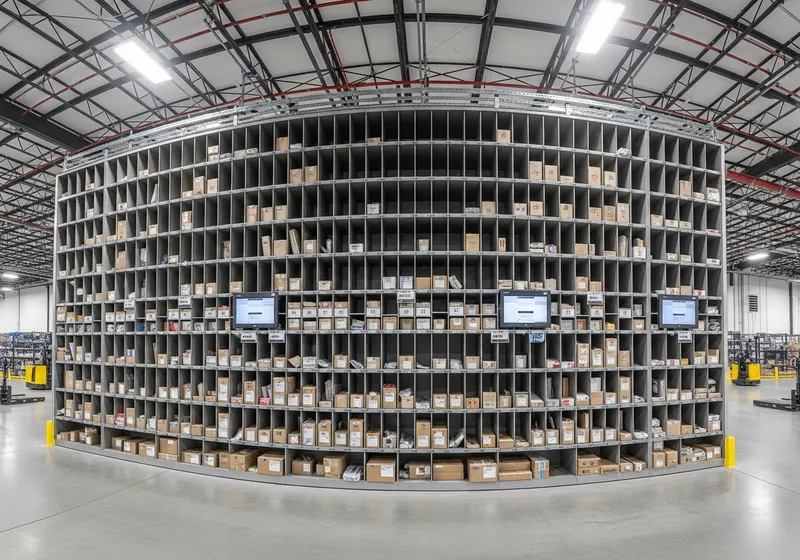
What's in a Put-to-Light System
Whatever the vendor, a put-to-light system has the same layers. What differs is how the displays are powered and connected, and how the software gets its order data.
Displays at each put location
A light, a confirm button and a screen on every cubby, tote position or shelf. Voodoo's are five-line e-ink displays with an LED that shows thousands of colors; they run on two AAA batteries for a year or more and mount with magnets. Most walls use one display per cubby; narrow neighbouring cubbies can share one display that points with an arrow.
A scanner at the put station
Handheld, ring or fixed presentation scanner. The scan starts every put, so put it where the operator's hands already are.
Router or controller
Wired walls cable every module to a controller. Wireless walls use a radio router: Voodoo's Turbo II reaches up to about 300 devices at 75–100 ft, and production layouts plan roughly one per 100 devices with every display in range of two, mounted above the racks at about 8 ft on Power-over-Ethernet.
Put-to-light software
Turns "this item belongs to that order" into a light, tracks confirmations and exceptions, and shows the status of every cubby. It runs in the cloud or on a server on-site.
Integration with the WMS
The WMS supplies the order for each scanned item and receives the confirmations. Voodoo connects through a REST API, with free connectors for Odoo (self-hosted), ShipStation, Extensiv, NetSuite and QuickBooks Online.
The wall itself
Any shelving, cubby rack, carton-flow rack or cart. Because wireless displays need no cable, existing shelving can become a put wall, and a wall can grow for peak season and shrink after it.
The integration options are laid out in WMS integration. On wired versus wireless displays, the trade-offs are the same as for picking: see wired vs. wireless in the pick-to-light guide and the case for wireless put-to-light displays. To see what an operator would see on a Voodoo display, set the lines, quantity, arrow and color yourself in the device simulator.
Where Put-to-Light Is Used
Anywhere items are sorted to many destinations: orders, stores, routes, kits or return dispositions. More workflows on use cases and kitting solutions.
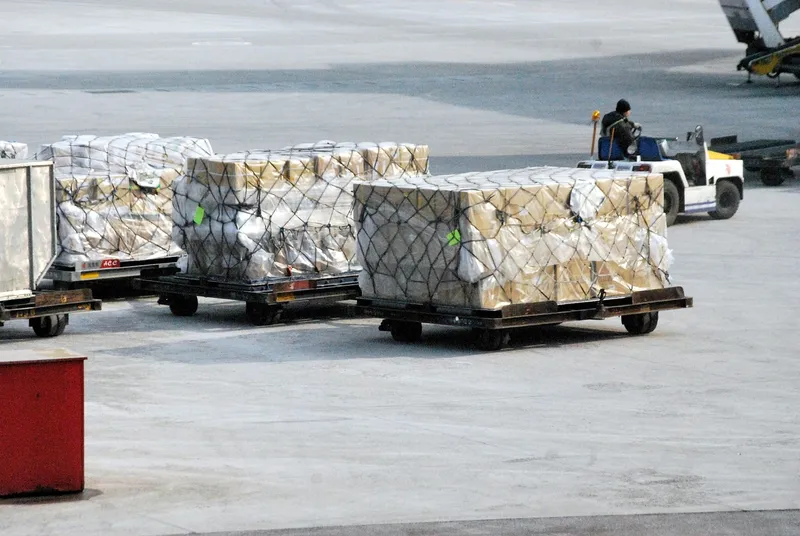
E-Commerce Fulfillment
Small orders of a few lines each are picked in batches and sorted at a put wall. Lights guide each item to the right order cubby, which keeps throughput up during peak season when temporary staff are on the wall.
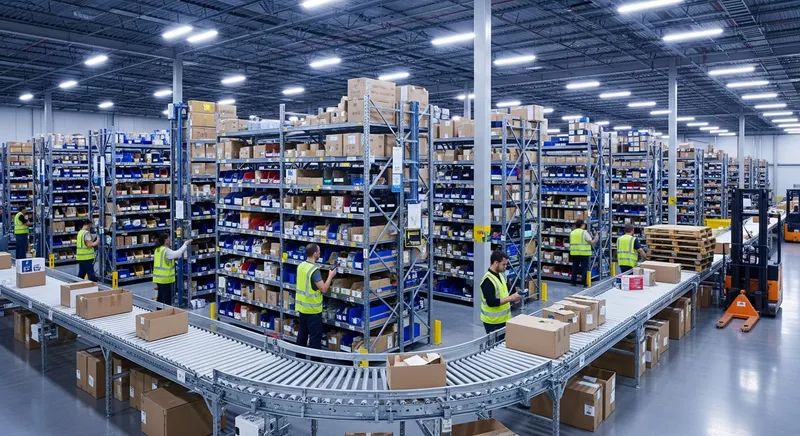
3PL Multi-Client Sortation
Several clients' orders at one sort station. Each display can show the client, order number and quantity, so items do not cross from one client's orders into another's.
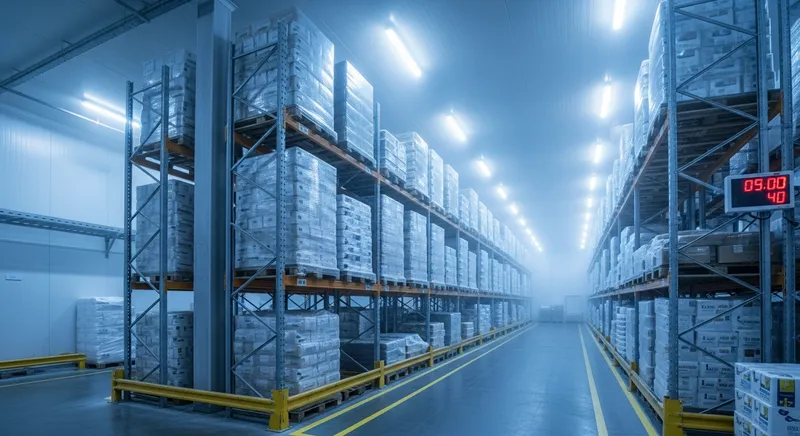
Grocery & Food Distribution
Temperature-sensitive items sorted into store or route totes quickly, so they spend as little time as possible in staging.
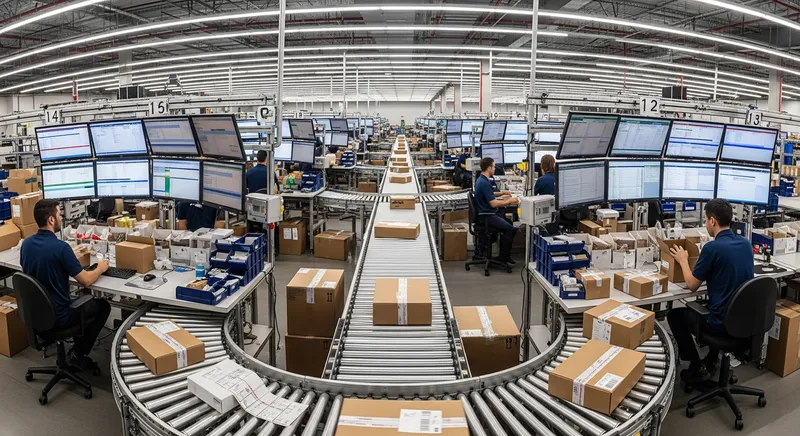
Retail Store Replenishment (Put-to-Store)
Distribution centers break bulk deliveries into store-level allocations: scan an item, the tote for each store that needs it lights with the quantity.
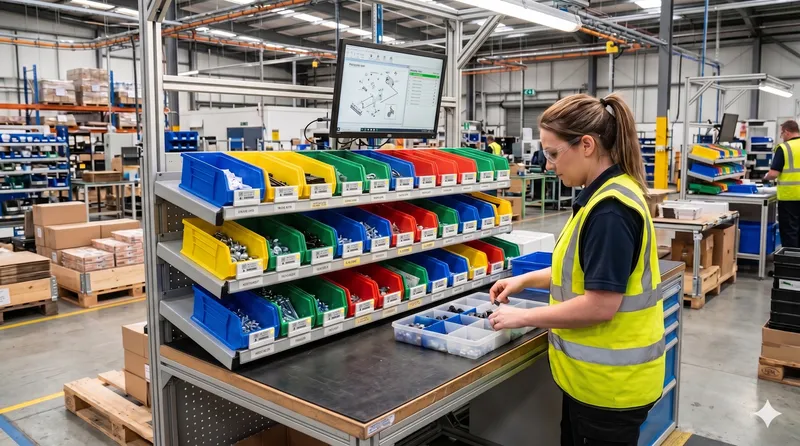
Subscription Boxes and Kits
Components are sorted into subscriber- or kit-specific slots, and the display confirms each one, which cuts incomplete boxes. See kitting solutions for the line-side version.
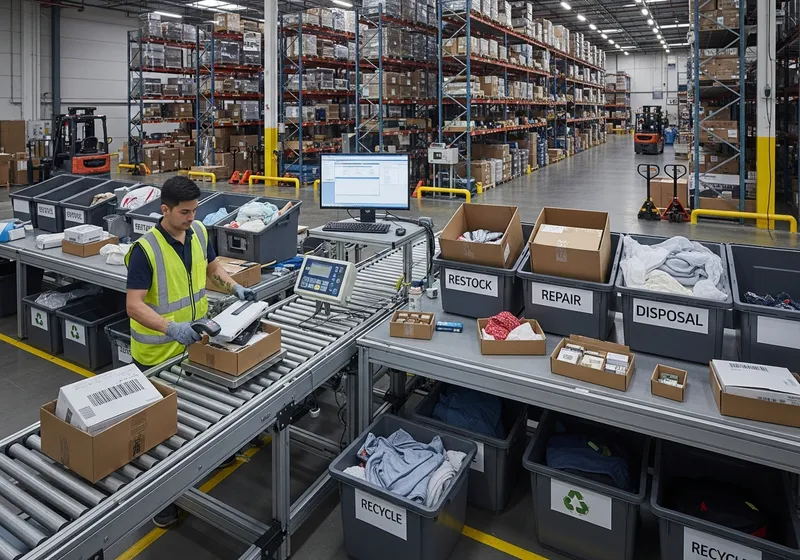
Returns Processing
Returned items are scanned and put into the lit disposition bin (restock, repair, recycle, dispose) or back to a stock location, so returns are sorted as consistently as orders.
The same displays also handle cross-dock and route sortation, will-call staging and putaway, where the light marks the location stock should go to.
Put-to-Light for 3PLs and E-Commerce Fulfillment
Third-party logistics providers and e-commerce fulfillment centers are where put-to-light earns its keep most often: many small orders, batch picking to save walking, order profiles that change by client and by season, and customers who charge back for errors.
- Sort batch-picked items into customer orders, store orders, routes, waves or packing lanes, with the client and order number on the display.
- Change the wall as the client mix changes: move displays, re-assign cubbies, or add a second wall for a new account without cabling.
- Add put locations for peak season and take them away afterwards; battery-powered displays move with the cubbies.
- Train seasonal staff in minutes, because following a light needs no knowledge of the client's SKUs.
- Send every confirmation back to the WMS as it happens, which gives order status for client reporting and billing.
In practice: Kenco Logistics, a large U.S. 3PL, runs a Voodoo put wall for high-volume SKUs at peak. The wall takes hand-picked totes and containers delivered by Locus robots, and its displays show the tote, the quantity and text that directs the packer to the right shipping container. Read the Kenco put wall story.
Benefits and Limitations of Put-to-Light
Benefits
Fewer mis-sorts
Every put is confirmed at the slot it went into, so items stop landing in a neighbouring order's cubby.
Faster sorting
The operator goes straight to the lit slot instead of reading a number and searching a wall of cubbies for it.
Faster training
Following lights takes minutes to learn, so temporary staff sort accurately on their first shift.
Real-time order status
The WMS knows each order is complete the moment its last item goes in, and the wall tells packers which orders are ready.
Capacity that flexes
Wireless put locations can be added for peak season and removed after, on the shelving you already have.
Limitations to plan for
A scan per item
The light shows where an item goes; it cannot identify the item. Every put starts with a scan.
Order data must be live
The WMS has to answer "which order needs this?" for every scan, and the rules for over-picks, shorts and cancelled orders must be agreed before go-live.
It is a second touch
Batch-then-put handles each item twice. At low volumes, discrete picking or sorting during the pick on a cart may be simpler; see pick to cart vs. put wall.
The wall caps the batch
You can only have as many orders in progress as you have put locations, so the wall size and the batch size are decided together.
The cart alternative is compared in pick to cart vs. put wall, and how to count errors before and after in mispicks: what they cost.
How Much Does a Put-to-Light System Cost?
Put-to-light is almost always quoted per project, because the number of put locations, the wall and the integration differ so much from one operation to the next. What you can do is understand what moves the number.
Number of put locations
Roughly the number of orders you want in progress at once, per station. The biggest single driver.
Displays per location
One per cubby, or one display shared by neighbouring cubbies with arrows.
Routers or controllers
Wireless routers by device count and floor layout; wired controllers by module count and cable runs.
Scanners and stations
One scanner per put station, plus any pack-side indicators on a pass-through wall.
The wall structure
Nothing extra if existing shelving or cubbies are used; new cubby racks if not.
Software and integration
A per-device subscription or a one-time license, and a ready-made connector or API work for your WMS.
What Voodoo charges
- Starter Kit: $5,000. Ten wireless displays, a Turbo II router, an annually renewable cloud license (up to 50 devices), REST API integration support and onboarding: enough for a ten-location put station pilot. Every piece of hardware carries into production.
- Production: you buy the displays and routers outright and take a one-time perpetual license for your own Voodoo server, in the cloud or on-site. No per-device subscription.
- Larger systems are quoted per configuration, usually two or three to compare.
The device estimator on pricing turns a put-location count into a display and router count; payback inputs are on cost and ROI.
Estimating payback
Add up the sorting time saved (seconds of search per put, times puts per year, times your loaded labor rate) and the mis-sorts avoided (errors per thousand orders before and after, times what a mis-shipped order really costs you), and compare the annual total with the one-time investment. The honest inputs come from your own floor, which is the best argument for piloting one station and measuring it.
How to Start With Put-to-Light: One Station First
Put-to-light projects that go well start with one station, measure it, and only then spread.
- 1
Measure today
For a couple of weeks, record orders sorted per hour and mis-sorts per thousand orders at the station you have in mind. Without a baseline you cannot prove the result.
- 2
Size the wall
Put locations equal the orders you want in progress per batch. Bigger batches save more walking upstream but need a bigger wall and more floor space. The Workflow Lab's free put wall sizing calculator shows the math.
- 3
Agree the exception rules
Decide what happens to an over-picked item, a short and a cancelled order before the lights go up, so the wall never has to guess.
- 4
Choose the integration route
A ready-made connector if your platform has one, otherwise the REST API. The WMS has to answer "which order needs this item?" for every scan.
- 5
Pilot one station
A Starter Kit lights ten put locations. Run it for a few weeks on real orders and compare against the baseline.
- 6
Scale
Add cubbies, a second wall, or a pass-through layout with packers on the back. On Voodoo's system the pilot hardware carries into production.
Size it with the put wall and cart sizing calculator, see the hardware for a full wall on wireless put wall systems, and when you are ready, the form below sends us your put-location count for a written quote.
Put-to-Light: Frequently Asked Questions
What is put-to-light?
What is PTL in a warehouse?
What is a put-to-light system?
Is sort-to-light the same as put-to-light?
What is the difference between pick-to-light and put-to-light?
What are the three order picking systems?
How much does a put-to-light system cost?
What is put-to-store?
Which put-to-light systems integrate with a WMS and with sorting robots?
What are goods-to-person systems?
Do put-to-light displays need wiring?
How quickly can a put-to-light station be set up?
Try Put-to-Light on One Station First
Ten wireless displays, a router and a cloud license for $5,000. Light a ten-location put station, measure it against your baseline, and keep every device when you scale.
Size a put-to-light system for your orders
Tell us your order profile and put-location count and we'll quote a configuration — or book twenty minutes and we'll work it out together. Put-to-light is a common Starter Kit pilot.
Book a 20-minute call
Pick a time that suits you. We'll look at your pick zones, talk through arrows and device counts, and tell you if a Starter Kit makes sense.
- Your pick zones, SKU mix and order profile
- The arrows ratio that fits your shelving — 1:1, 1:4 or 1:8
- Whether a Starter Kit pilot or a full quote is the right next step
- How the devices talk to your WMS, ERP or Odoo
Prefer email or phone? info@voodoorobotics.com · 972-914-8758