
Software-Defined Execution for the Warehouse Floor
Three layers connect your systems to the people doing the work — delivering real-time warehouse visibility and guided execution at every station.
Three Layers. One Unified System.
Voodoo connects your business systems to the warehouse floor through a clean, modular architecture.
Server Layer
Cloud or On-site
Network Layer
Turbo II Router
Device Layer
IoT Cloud Display Devices
How They Connect
Designed to Fit Your Stack
Your WMS or ERP stays the source of truth for orders, batches, items, and locations. Voodoo turns those decisions into clear physical instructions on the floor — and reports each operator's response back to your system. It's a flexible display-and-confirmation layer, not a second WMS that imposes its own workflow.
That means the WMS integration is simple, deterministic logic — small API calls added at the points where your software has already made a decision. It's not a complicated software-development or optimization project.
Curious what this payload looks like on the shelf? Edit every field in the live device simulator and watch the e-ink display and API call update together.
Open the Device SimulatorYour System Decides. Voodoo Makes It Physical.
You don't duplicate your order data in another warehouse system, and you don't conform your processes to rules built into our devices. Your software already makes these decisions — the integration just tells the floor about them.
Your WMS Keeps Owning
The business decisions it already makes
Voodoo Handles the Rest
Everything between your API call and the operator
The Whole Integration, in Four Sentences
Straightforward, deterministic logic at the points where your system has already decided:
Your WMS assigns an order to a location
update that location's display
An item is scanned
look up the destination and light the device
The operator confirms the placement
receive the acknowledgement
An order becomes complete, short, or held
update the displayed status
Need a head start? The Voodoo Oracle, our AI integration assistant, can turn your workflow description into working code, tests, error handling, and deployment instructions.
See Everything. Control Everything.
Real-time monitoring, device health, and performance metrics — all from one dashboard.
Task Distribution
Route picks to the right zone and device automatically based on your workflow rules.
Device Monitoring
See every device's status, connectivity, and last activity in real time.
Voltage Alerts
Proactive battery alerts before devices go offline — no surprises on the floor.
Performance Reporting
Track pick rates, error rates, and worker efficiency across shifts and zones.
Multi-Site Visibility
Manage multiple facilities from a single cloud dashboard.
Secure Access
Role-based access controls and encrypted communications across the system.
From Pilot to Full Floor in Weeks, Not Months
Wireless means no conduit, no power drops, and no infrastructure overhaul. Your IT team can have the system running the same day.
Mount Devices
Magnet-mount or screw-mount display devices at each pick location. No wiring required.
Place Routers
Mount Turbo II routers above the racks, about 8 ft up — out of pickers' reach and close to the devices — on Power-over-Ethernet. Plan one per ~100 devices and never fewer than two, placed so every device can hear two.
Connect & Go
Point the API at your WMS and start sending tasks. Devices light up and you're live.
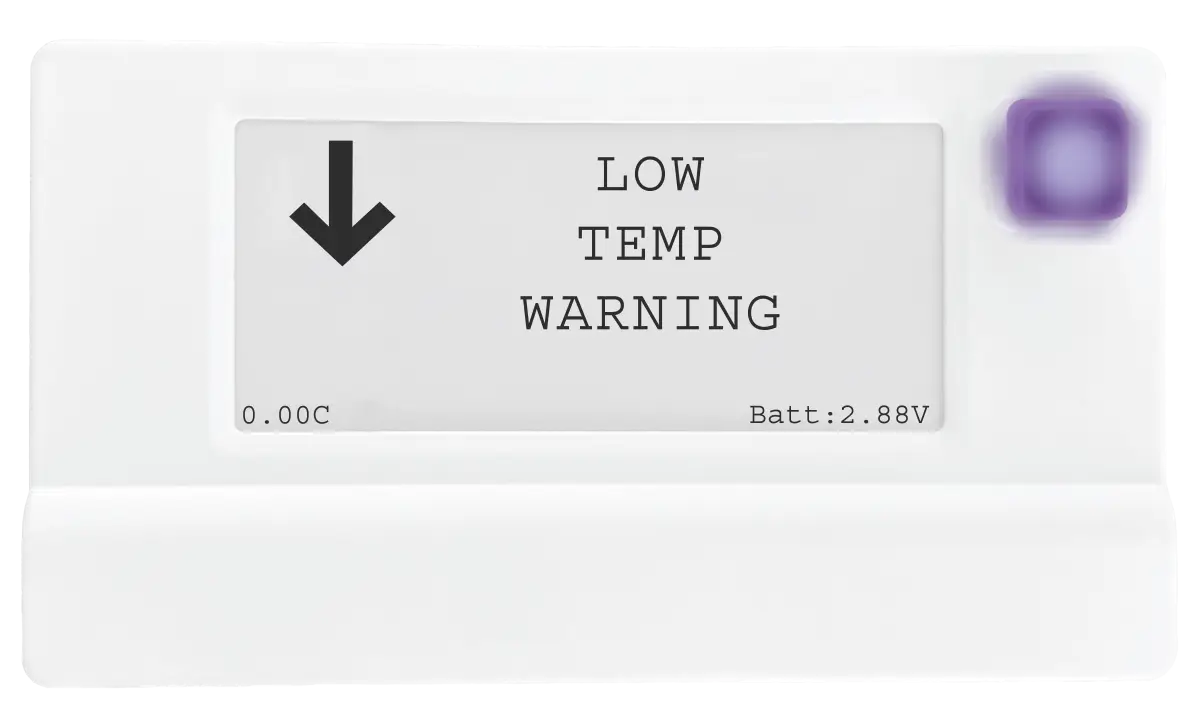
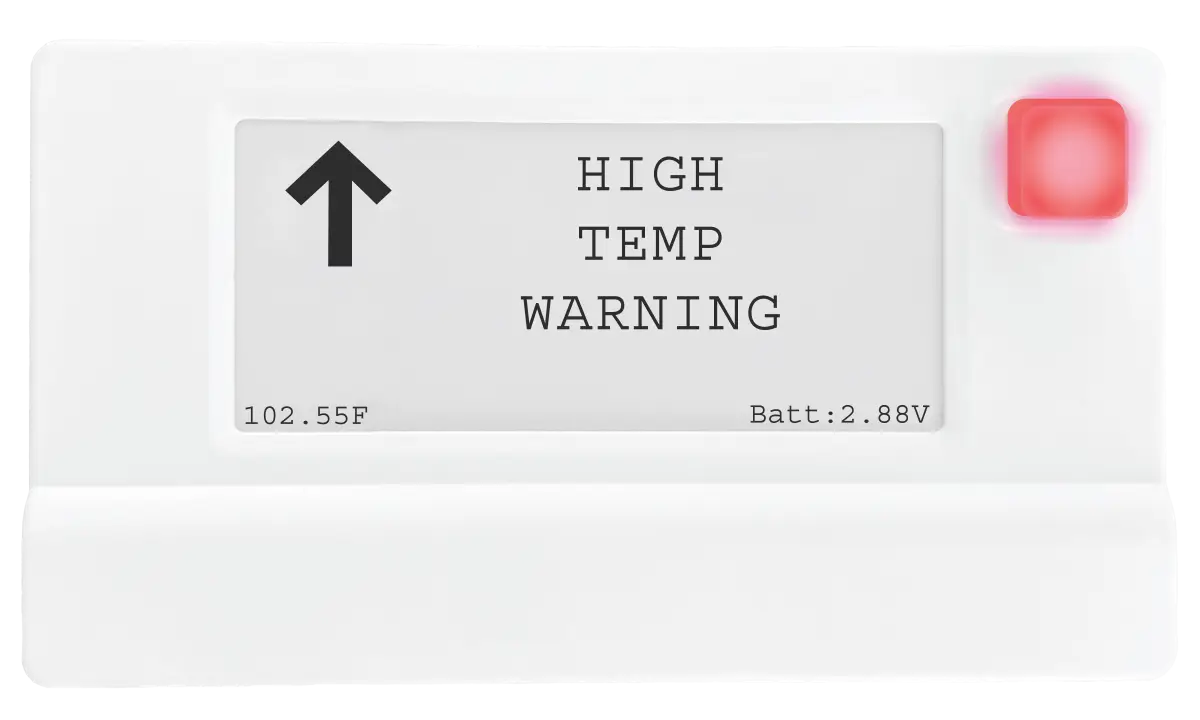
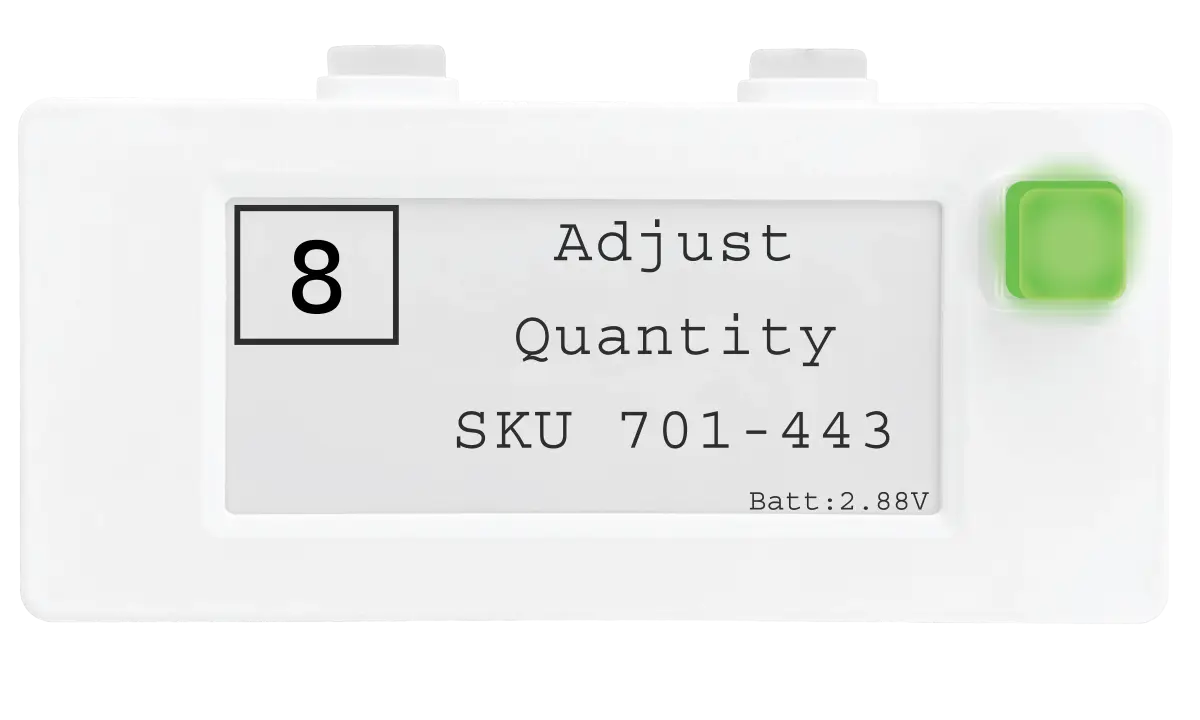
Display Device
Mount with magnets, pair, done. Battery-powered — no electrician needed.
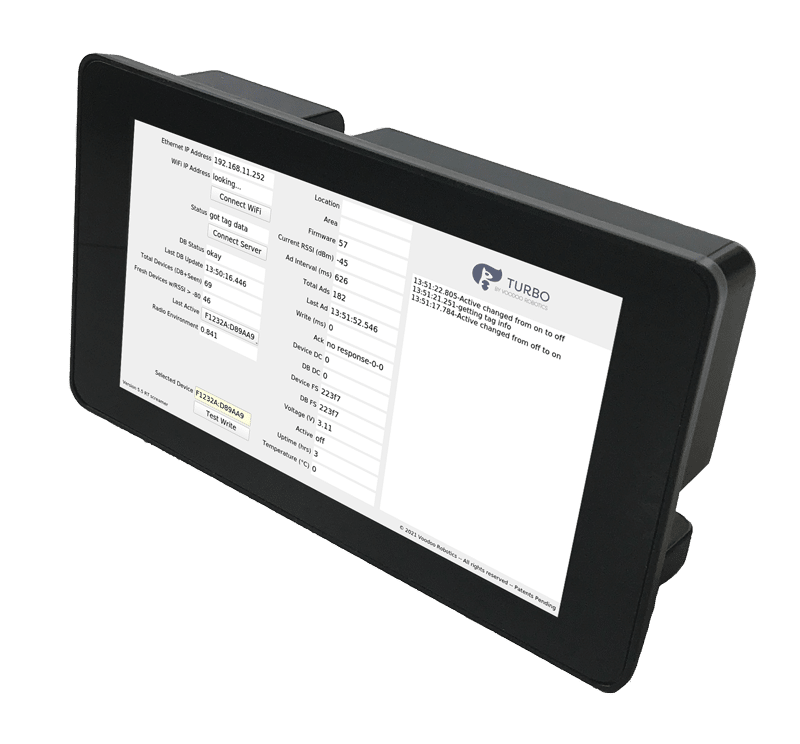
Turbo II Router
Plug into your network, mount, and configure via touchscreen.
Ready to See It in Action?
Schedule a demo and we'll walk through exactly how Voodoo connects to your systems.